For broadcast & live events

Build the show before the kit arrives.

Lay out the entire rig on screen — and pre-build your ATEM Constellation — weeks before anything is racked. Export a schematic that actually reads. Then, on show day, drive the real hardware from the same window.

macOS & Windows  ·  no account to try  ·  works fully offline

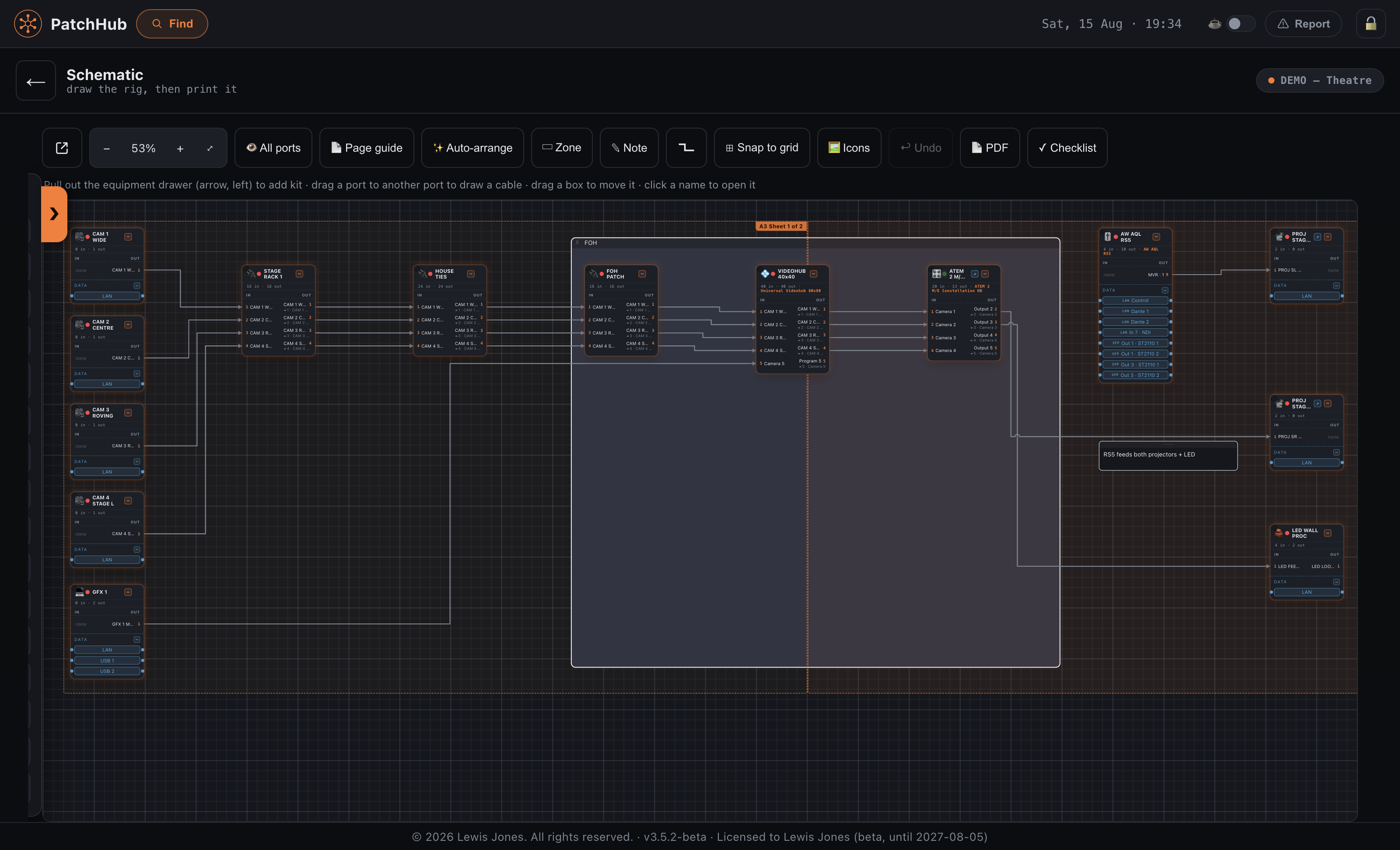
Show Overview — SchematicLive
BMD URSA G20 in · 1 outCAM 1GFX laptop0 in · 1 outGFXZoom laptop1 in · 1 outZOOMVideohub 40x4040 in · 40 out1CAM 12GFX3ZOOMPGMMVRECATEM 4 M/E20 in · 6 out1CAM 1PGMRECHyperDeck HD4 in · 2 out1REC APanasonic laser2 in · 0 out1SCREENMultiView16 in1MV

How it works

Plan it, draw it, then run it — from one set of devices.

Most tools do one of those three. Because PatchHub does all of them from the same rig, the plan, the drawing and the live hardware can never drift apart.

01Plan

Build the show before the kit arrives

Lay out the whole rig on screen weeks before a single box is racked — routers, patchbays, switchers, converters, projectors, laptops. Nothing needs to be plugged in, or even bought yet.

Pre-build Constellations

Configure an ATEM in full — inputs, auxes, multiviewer, labels — while it is still in the flight case. Push it to the real thing in one press on show day.

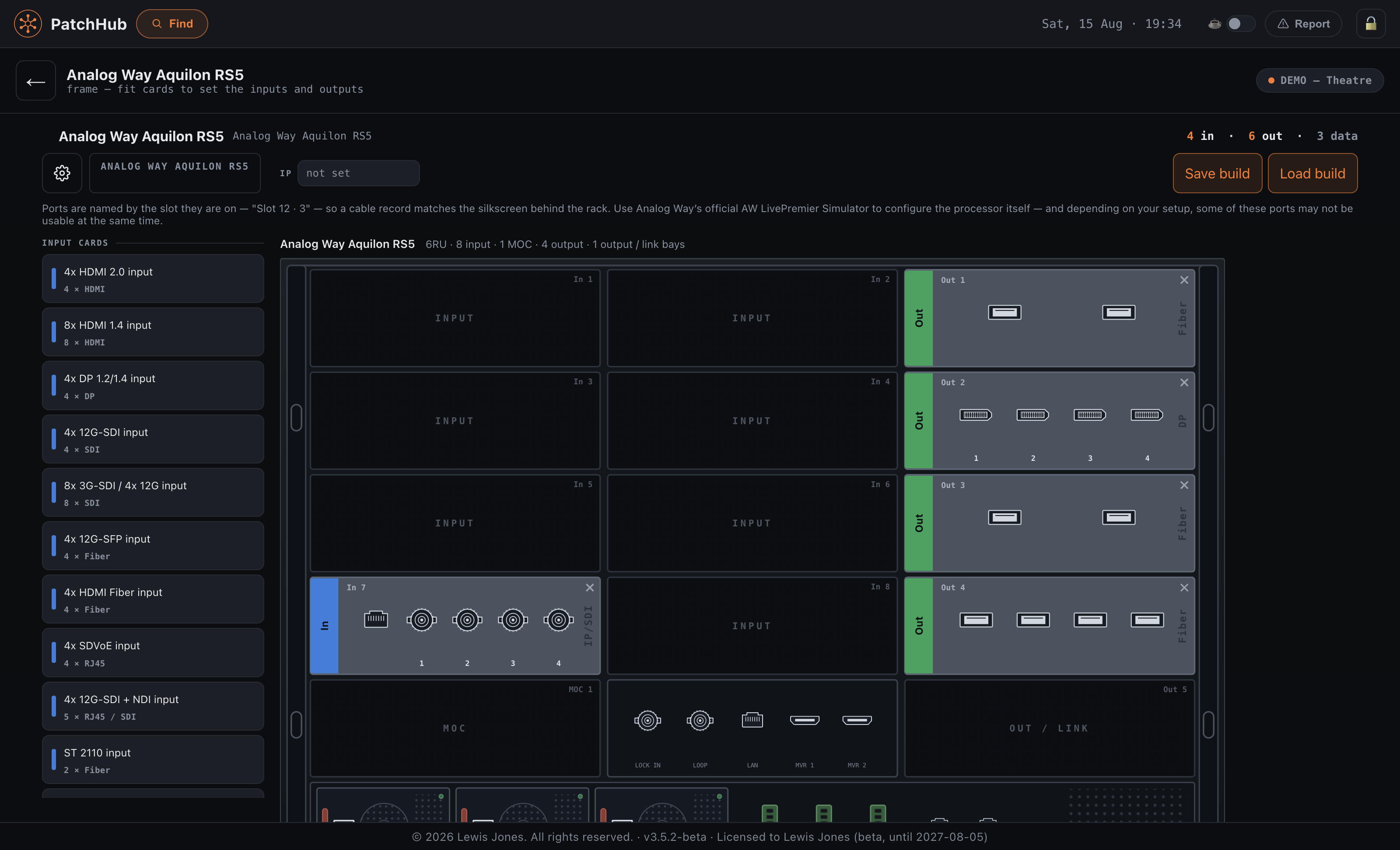
Real models, not rectangles

A Barco PDS-4K or a Roland V-160HD arrives with the right I/O and connectors — down to which inputs are HDMI and which are SDI — taken from the manufacturers’ own spec sheets.

02Draw

A schematic drawer that knows what it is drawing

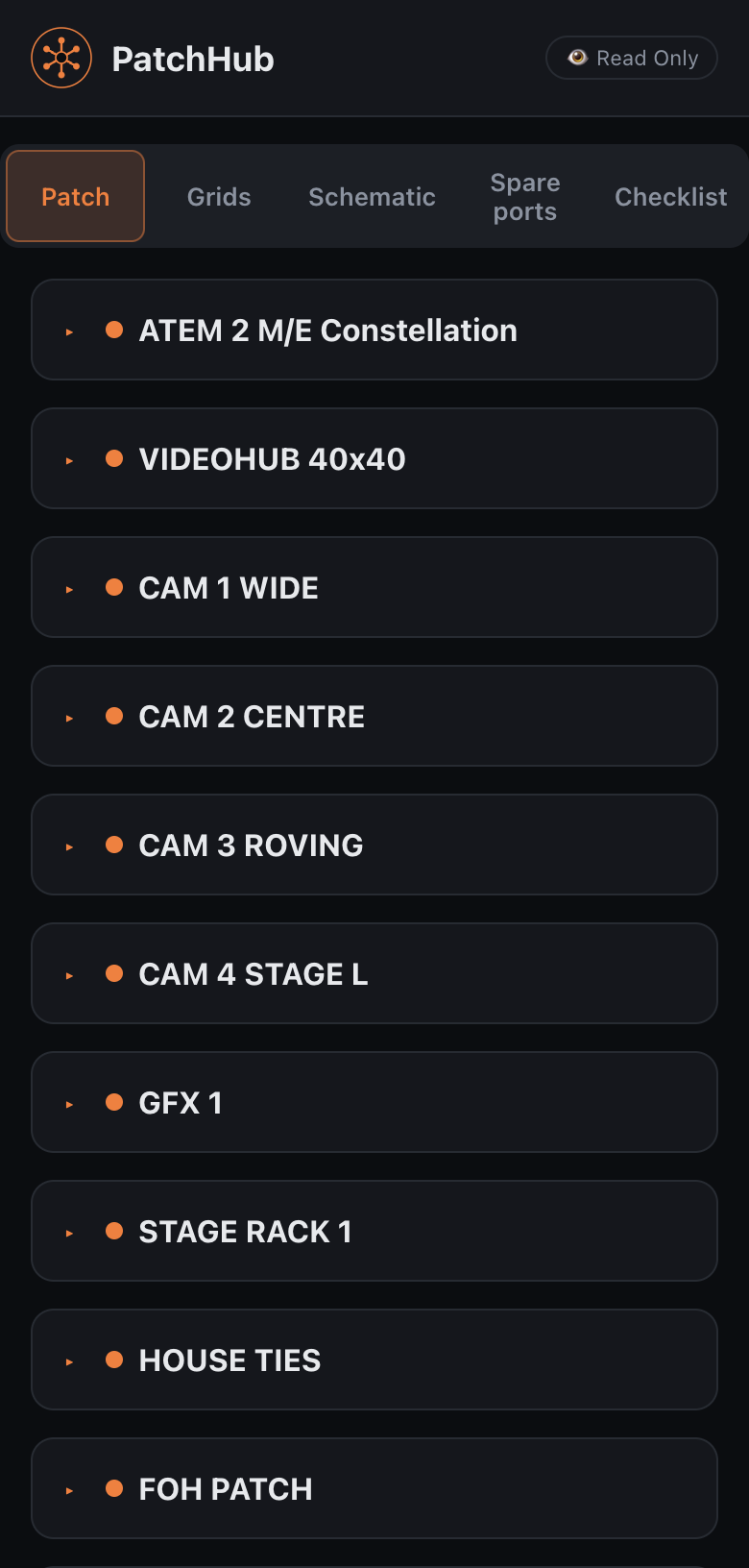
Every block is a real device with real ports, so the drawing can never disagree with the rig. Auto-arrange shapes it to your paper and exports a sheet that fills the page.

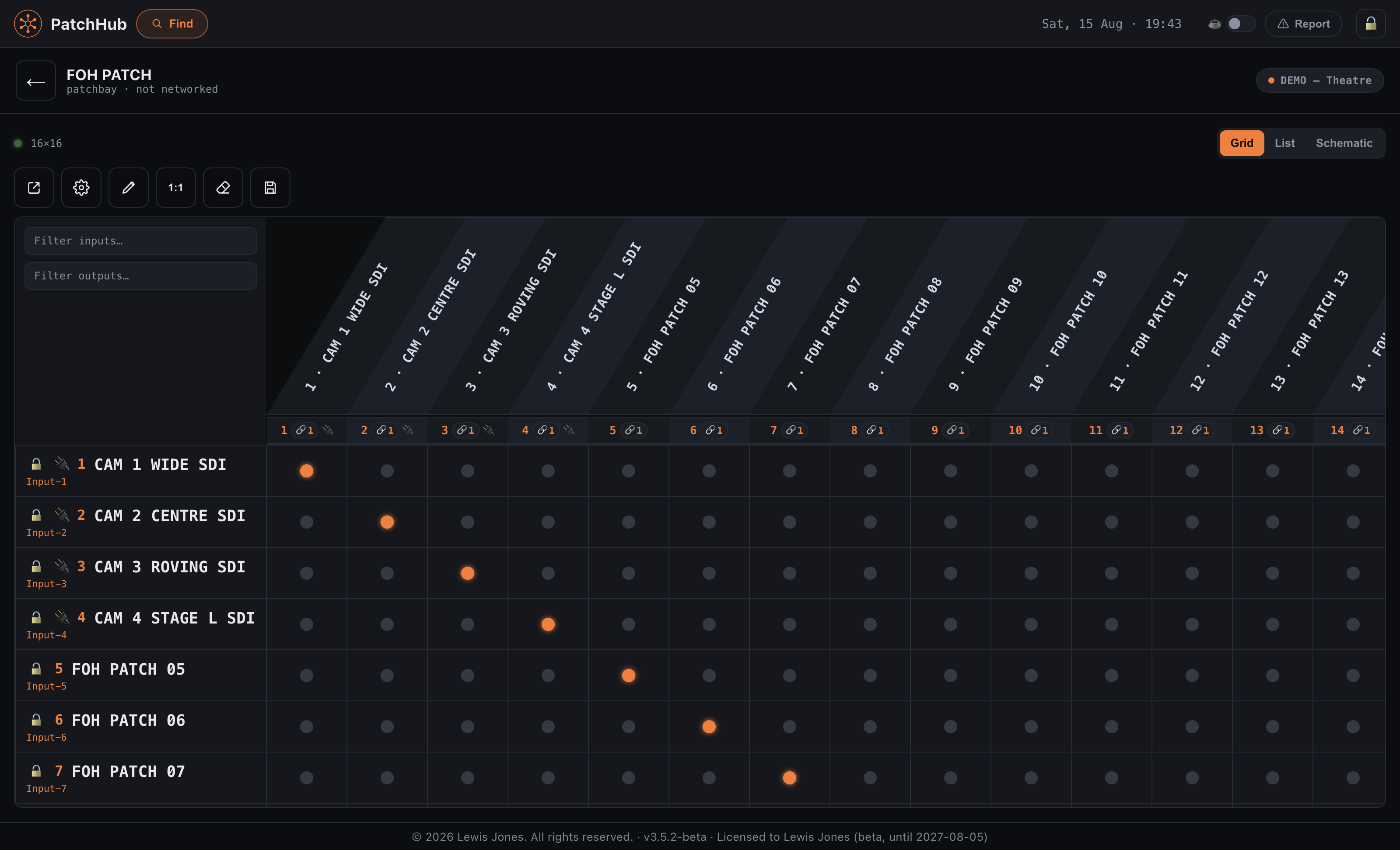
Patch Sync

Name a source once and the name follows the signal through every patchbay, router and converter it passes.

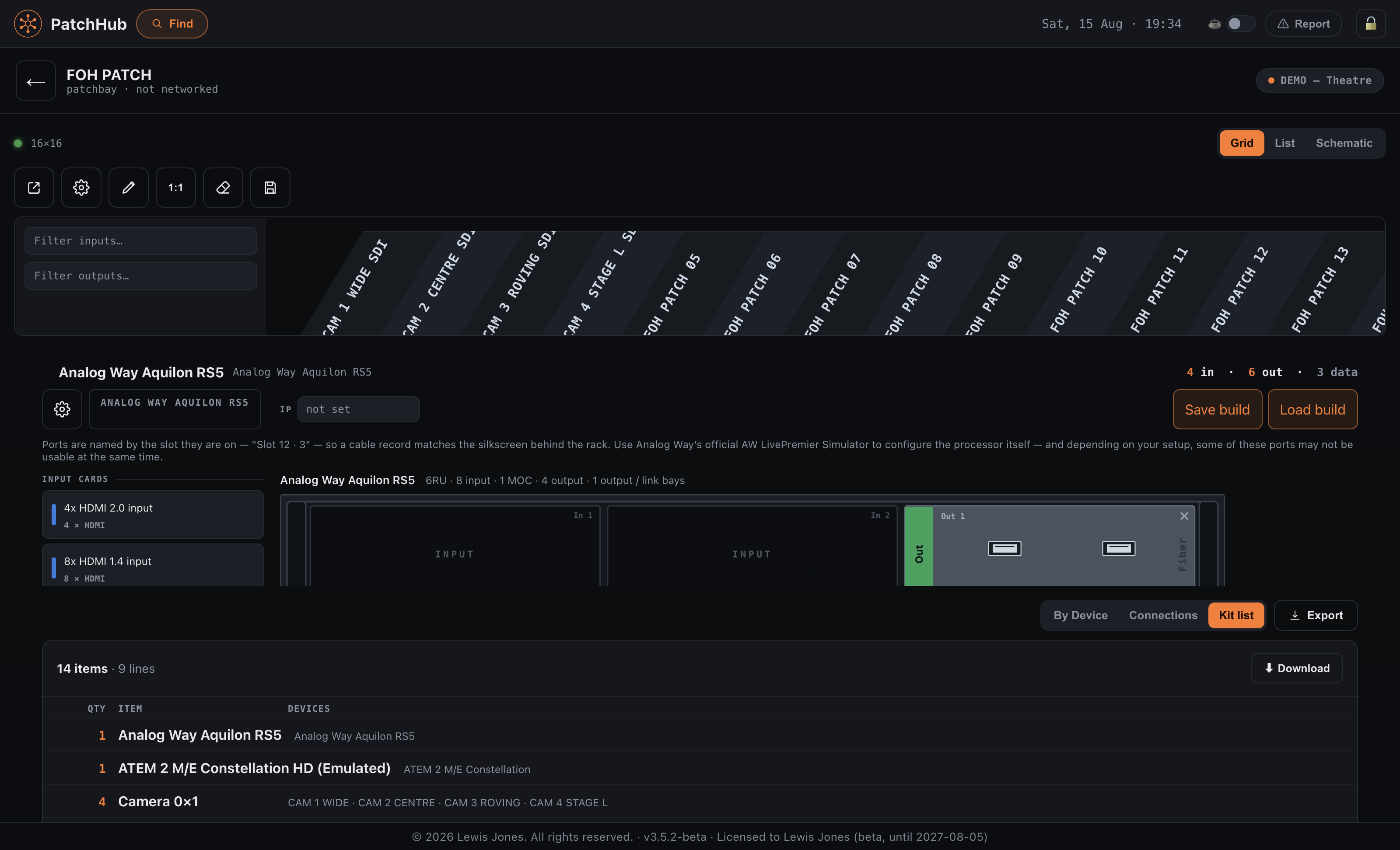
Hand it over

PDF, Excel, a kit list with quantities, or a live read-only link anyone can open in a browser.

03Run

Then drive it for real

When the kit arrives the same screen controls it — every router and switcher at once, not one app window per box. Blackmagic Videohub and ATEM over their real protocols.

Crosspoints, labels, locks

Live, across the whole rig, with a patch lock so nobody moves a route mid-show.

Record and deliver

Master REC across HyperDecks and AJA decks, a take sheet, markers on a hotkey, and an edit-ready project from any take.

Supported kit

Real devices, with the I/O the manufacturer actually shipped.

Blackmagic Videohub and ATEM are driven live over their own protocols. Everything else is documented, drawn and exported — whether or not it can be controlled.

Pricing

Two apps. Bought once, not rented.

PatchHub is the whole thing — plan, draw and drive the rig. RecordHub is the recording half on its own, for when all you need is the decks. No subscription, and no licence server to go down mid-show.

Trial
Free · 7 days

Either app, with a watermark on exports.

  • The complete app, nothing held back
  • Real hardware or the built-in emulators
  • No card, no account
Download the trial
PatchHub
£100 + VAT

One-off. Locked to one computer.

  • Plan, draw and drive the whole rig
  • Videohub and ATEM, live
  • Schematic, kit list and Public View
  • Recording included
Buy PatchHub
RecordHub
£50 + VAT

Recording only. Coming soon.

  • Master REC across every deck
  • Take sheet, markers, pre-flight check
  • Edit-ready projects from any take
  • Pull the files off the decks
Notify me

Your key is tied to one machine so PatchHub can check it without an internet connection — which matters in a rack room. Changing computer? Email us and we’ll reissue it. Prices exclude VAT, which is added at checkout. Payments are handled by Lemon Squeezy, who take care of VAT and sales tax wherever you are.